eBooks & eAudiobooks
BorrowBox
BorrowBox gives you free access to thousands of eBooks and eAudiobooks with your Halton Libraries membership. Browse bestselling authors, discover new favourites, and enjoy reading or listening anytime, anywhere on your smartphone, tablet, or computer.
How it works
1. Download BorrowBox
Get the free app from the App Store for Apple users or Google Play for Android users.
2. Sign in
Search for Halton Libraries and log in using your email address, library card number and PIN.
3. Borrow & enjoy
Start reading and listening immediately.
Thousands of titles
Browse bestselling fiction, non-fiction and children's books.
Free eAudiobooks
Listen anywhere, anytime using your phone or tablet.
Read on any device
Available on smartphones, tablets, computers or laptops.
No late fees
Digital titles return automatically, means no late returns!
New to BorrowBox?
Watch our quick guide and learn how to start borrowing eBooks and eAudiobooks in minutes.
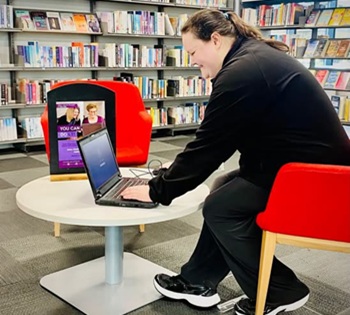
Email support
Need technical help? Contact support for assistance with downloads, logins and troubleshooting [email protected]

Visit your local library
Our friendly library staff can help you get started with BorrowBox, access your library account and answer any questions. Find your nearest library.
Not a library member?
Joining Halton Libraries is quick, easy and free. Once you're a member you can access BorrowBox anytime and anywhere.